Google AI Mode Now Links Customers Directly to Home-Service Bookings: What Businesses Should Check
Jason Hall
Founder & CEO, Five Channels · 20+ Years in Digital Marketing
QUICK ANSWER
Google announced direct home-service booking links in AI Mode for U.S. searches on November 4, 2026. Eligible businesses should check their partner account, accurate business information, connected request or booking form, availability, and follow-up process. Partner eligibility and launch timing differ, and neither a software subscription nor a connected form guarantees placement, appointments, or revenue.
For a homeowner, the appeal is simple: find a local provider and take the next step without hunting through several websites. For the business, that shorter path creates a practical question: if a customer reaches your booking form from an AI-assisted search, will the information be right and the request reach someone who can handle it?
This is worth checking now. It is not a reason to rebuild your marketing around an unproven revenue promise or buy software solely to chase a new search feature.
What did Google announce, and who is included?
In his November 4 announcement, Google Search executive Robby Stein said AI Mode now includes direct booking links for home services in the United States. He named Angi, Thumbtack, Housecall, and Jobber, with ServiceTitan coming soon. His plumbing example described comparing local pricing and reviews before choosing a provider.
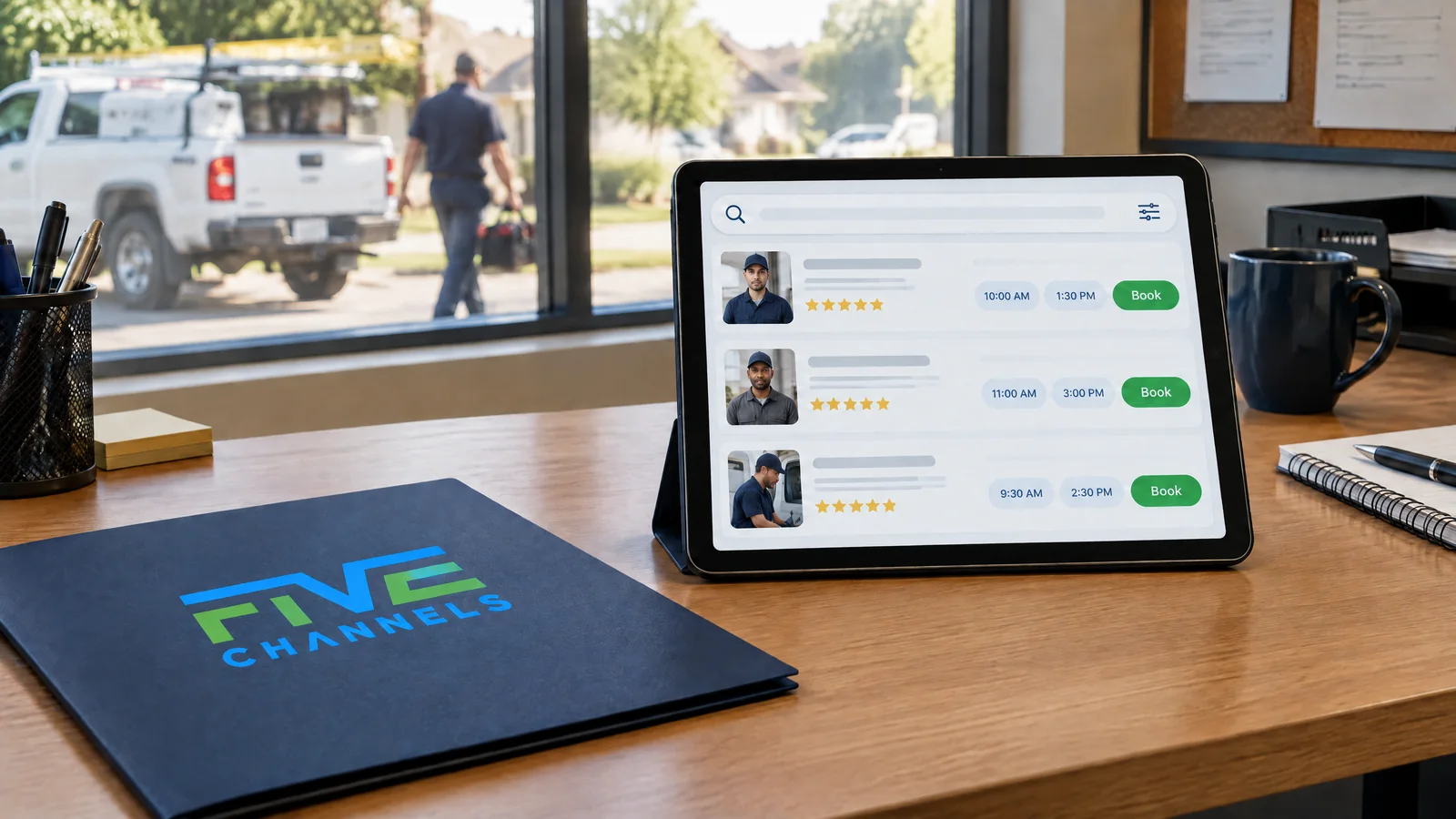
The important change is the connection between discovery and action. A customer can encounter a provider during an AI Mode search and follow a link into a supported request or booking experience. That is different from Google independently hiring a contractor or guaranteeing a confirmed service visit.
The announced scope is U.S. home services. It does not establish automatic eligibility for law firms, medical practices, every business category, or other countries. A partner being named also does not mean every account has the same features available on the same day.
Is every partner integration already available?
No. Read the provider's account guidance alongside Google's announcement. As of November 9, the official materials show meaningful differences:
| Partner | What the current evidence supports | What an owner should check |
|---|---|---|
| Angi and Thumbtack | Named in Google's November 4 announcement. | Confirm the applicable account, service, location, and booking requirements with that provider. Do not assume Jobber's rules apply. |
| Jobber | Official documentation describes an available integration for U.S. businesses with an active paid subscription. Trial accounts are excluded. | Check the required settings, matching business information, connected profile, and form. |
| Housecall Pro | Its November 4 release announces the integration but ends by saying it is coming soon to eligible U.S. customers. | Confirm actual account availability before expecting requests. |
| ServiceTitan | Google's announcement describes it as coming soon. | Wait for applicable provider instructions rather than assuming activation. |
Jobber's official integration guide is specific about setup. Housecall Pro's announcement describes requests reaching the selected pro's inbox, with no associated lead fees or bidding, but its coming-soon qualification still matters.
“No lead fees” is not the same as “free business software.” Jobber requires a paid subscription, even though the integration is available at no extra cost and these AI Mode requests carry no lead fees. Housecall Pro's no-additional-cost announcement should not be read as eliminating ordinary platform costs. Evaluate a provider for your operations, support, terms, and total cost—not a promised Google position.
How is this different from Google Business Profile and Local Services Ads?
These systems can connect, but they are not interchangeable. Your Google Business Profile represents the business on Google. Partner software manages the supported form and the workflow after a request arrives. AI Mode is the search experience where a customer may discover the booking link.
Local Services Ads, or LSA, are paid advertising. Google's official lead-billing guidance says advertisers pay for valid leads received through those ads. Jobber's no-lead-fee statement for AI Mode requests does not erase charges from a separate LSA campaign or make every Google-origin inquiry free.
Likewise, connecting a booking form is not a Google Business Profile ranking upgrade. Accurate profile information and useful service pages remain important, but no agency or software seller can responsibly promise a particular AI Mode recommendation or Maps position from this setup.
Our Google Business Profile services focus on accurate information and a trustworthy local customer experience. Keep that foundation separate from claims about advertising placement or partner eligibility.
What should Jobber users check before expecting requests?
Jobber's November 4 documentation requires an active paid U.S. subscription and four setup conditions: Help clients find my business must be on, company settings must contain a complete business address, a connected Google Business Profile must have the matching address, and a request or booking form must be connected to Google. Jobber says it automatically connects the default request form.
Do not stop at “we have a form.” Check which form is currently connected, what it asks, and whether its settings suit the work you want. A request form lets someone ask for service; a booking form can let someone choose a time. Those actions create different expectations for both customer and dispatcher.
Address matching does not require making a private home address public. Jobber documents a Keep address private option. Google's service-area guidance says that businesses that do not serve customers at their business address should remove that address from the public profile and use service-area information. Keep legitimate account information accurate while preserving the correct public visibility settings. If matching fails, ask provider support rather than exposing a hidden address or inventing a storefront.
For assessment appointments, Jobber offers Require assessment booking approval. With that setting on, assessment bookings arrive as Needs approval instead of being automatically confirmed. Staff can accept or decline before confirmation. This is useful when a visit needs service-area, capacity, or job-fit review; it is not a blanket approval rule for every kind of booking.
What should a home-service business check this week?
Treat the update as a customer-path audit. Start with the setup you already use, and give one person responsibility for closing the gaps.
- Confirm eligibility and timing. Ask your provider whether your U.S. business, service category, plan, and account are supported now. Record the answer. A general announcement is not proof that your account is active.
- Reconcile the business information. Compare the real business name, phone number, website, services, and location information across your profile, software, and website. Describe the areas you actually serve. Preserve hidden-address settings where required.
- Inspect the connected form on a phone. Confirm the destination works, identifies your business, and collects enough information to qualify the request. Check the success message and the inbox notification. Use an authorized test that staff can recognize and remove from reporting.
- Make the next step explicit. Tell customers whether they are requesting a quote, requesting an appointment, booking an assessment pending approval, or confirming a supported service slot. Explain applicable diagnostic or visit fees before someone mistakes a request for a free estimate.
- Review availability and service limits. Check booking windows, technician capacity, time buffers, and how the workflow handles addresses outside your area. Do not offer same-day or emergency service you cannot fulfill. Make urgent-call instructions clear where appropriate.
- Name the follow-up owner. Confirm who monitors new requests during business hours and what happens after hours. Set a response expectation your team can meet, including how pending assessments are approved and customers are notified.
- Strengthen real customer proof. Keep genuine service descriptions and project information current. Maintain a neutral, voluntary review-request process that follows platform rules. Do not buy reviews, pressure customers, or treat a particular review count as a placement guarantee.
- Connect requests to outcomes. Agree on qualified-lead criteria and record the appointment, completed-job, and revenue status. Check duplicate contacts before reporting growth. Review the results after enough time for your normal service cycle.
The form is part of your customer experience even if the customer never visits your homepage. Our website design approach puts the same emphasis on clear promises, usable mobile paths, and meaningful contact actions.
What would this look like for a plumbing company?
Consider a hypothetical plumbing business, not a Five Channels client result. A homeowner searches AI Mode for help with a leaking water heater. If an eligible plumber is shown with a supported booking link, the homeowner follows it and supplies a service address, contact details, and a description of the problem.
The plumber uses an assessment form requiring approval. A dispatcher checks whether the address is inside the service area and whether an appropriately skilled technician is available. The dispatcher clarifies the visit fee and timing, accepts the assessment when it fits, and sends the customer the next-step information.
The request is not revenue yet. The assessment may reveal a repair the customer declines, a warranty issue, or work outside the company's scope. Revenue should be recorded only when the business reaches the appropriate completed and invoiced or paid stage under its reporting rules.
Now consider the preventable failures: an obsolete form sends the request to an unmonitored inbox, an open slot ignores travel time, or the customer believes an assessment is a guaranteed repair appointment. The opportunity is not just getting a link. It is making the handoff dependable.
How should you measure whether booking links help the business?
Use a simple sequence: request → qualified lead → appointment → completed job → revenue. Define each stage before comparing numbers. A qualified lead might require an in-area address, a service you offer, usable contact details, and a genuine customer need.
Record the source your software actually provides. If it identifies only “Google” or an online form, do not relabel every request “AI Mode.” Add a customer-reported source when helpful, while keeping it separate from verified platform data. A customer may have encountered the business through several channels.
Review request-to-qualified rate, qualified-to-appointment rate, appointment-to-completed-job rate, response time, cancellations, and revenue from completed work where attribution supports it. For pending assessments, separate requested times from approved appointments so the calendar does not look healthier than it is.
Where the data permits, calculate a qualified appointment rate as qualified appointments divided by unique requests. Keep the period and denominator consistent. Assess operating costs too: subscription expense, staff handling time, and missed appointments can matter even when an individual request has no lead fee.
Website analytics alone may miss a request that goes directly to a partner form. That possibility does not prove website traffic will decline or that the new feature created incremental sales. Compare lead records with a baseline, allow for seasonality and other marketing changes, and avoid attributing every improvement to one integration. Our service-business measurement guide explains why platform activity and the sales pipeline need separate checks.
Does this change the role of SEO and your website?
It adds another potential path to contact; it does not make your website unnecessary. Customers may still research your services, credentials, pricing approach, and process before choosing you. Clear service pages and accurate business information help people understand the company behind the booking link.
Keep investing in useful answers and a reliable contact path. Our SEO services connect search visibility with qualified demand rather than treating one new search feature as the whole strategy.
FIVE CHANNELS PERSPECTIVE
Make the business ready to receive and serve the right customer before chasing more exposure. A supported booking link is useful only when accurate information, sensible availability, responsive staff, and honest outcome reporting work together.
A CLEAR PATH FROM SEARCH TO SERVICE
Is your discovery-to-booking path ready?
Five Channels can review how your local profile, website, contact paths, and measurement fit together, then help prioritize the gaps worth fixing. Get a business-focused assessment—not a promise of AI Mode placement.
Request a Free Marketing Review →What else should owners know about AI Mode bookings?
Sources: Google Search executive Robby Stein's announcement, November 4, 2026; Jobber Help Center: Jobber and Google AI Mode integration, updated November 4, 2026; Housecall Pro's integration announcement, November 4, 2026; Google Business Profile service-area guidance; and Google Local Services Ads: How leads work. Current information reviewed November 9, 2026; partner requirements and rollout can change.